You're offline. Your saved items are below; new checks will work again when you're back online.
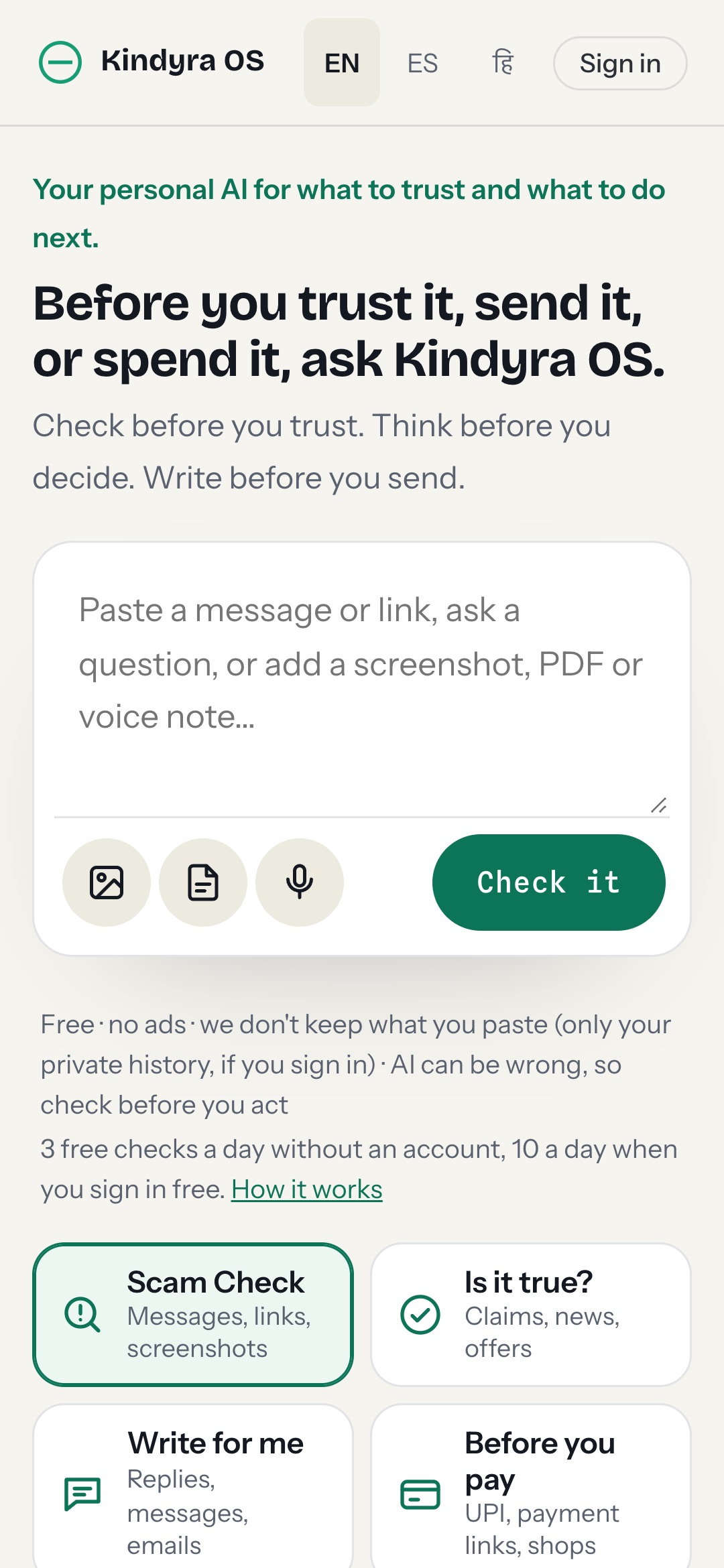
Your personal AI for what to trust and what to do next.
Before you trust it, send it, or spend it, ask Kindyra OS.
Check before you trust. Think before you decide. Write before you send.
Free · no ads · we don't keep what you paste (only your private history, if you sign in) · AI can be wrong, so check before you act3 free checks a day without an account, 10 a day when you sign in free. How it works
Saved
Install Kindyra OSOpen it from your home screen, and share a message, screenshot or link to it from any app.On iPhone or iPad: tap Share, then Add to Home Screen. To share messages to it from other apps, set up the free iPhone Shortcut.
About the Kindyra OS app
Kindyra OS is a free app that helps you decide what to trust before you pay, click or reply. Paste a message or a link, add a screenshot, PDF or voice note, and pick what you want to know. It works in any browser and installs on your phone like an app, with no app store and no ads.
What it can do
- Scam Check Names the scam signs and pressure tactics in a text, email, DM, ad, quote or call recording, quotes the exact words and gives you a calm next step.
- Is it true? Lists the claims that matter and how to check them. Members can have each claim searched on the web, with the sources shown.
- Write for me Writes a calm message you can send, or a note to the real organisation when a message looks like a scam. Answering a customer? It hands over to Help Me Reply.
- Before you pay Checks a UPI ID, payment link, shop website or phone number before you send money, with a red, amber or green result. It never says a payment is safe.
- Decision Coach Weighs up one offer, compares two to four options side by side, or helps you prepare before a dealer, doctor or contract signing. It never picks for you.
- Explain & summarise Puts a contract, lease, bill, policy or letter into plain words: the key points, what to watch out for, the jargon and questions to ask.
How to install the app
- Android (Chrome) Open kindos.kindyra.com/app and tap Install the app, or open the browser menu and choose Install app. Then you can share any message, screenshot or link to Kindyra OS from other apps.
- iPhone and iPad (Safari) Open kindos.kindyra.com/app in Safari, tap Share, then Add to Home Screen.
- Computer (Chrome or Edge) Open kindos.kindyra.com/app and click the install icon in the address bar.
Private by design
We don't keep what you paste or upload. If you're not signed in, your recent results stay on your own device. If you sign in, they're kept in a private history that only you can see and can delete at any time. Sharing an example to improve Scam Check is optional: you see and edit it first, and it's deleted after 180 days. Results are a risk assessment, never a guarantee: AI can be wrong, so check before you act.
Questions about the app
Is the Kindyra OS app free?
Yes. Every tool is free every day within daily limits: 3 text checks without an account and 10 when you sign in free. There are no ads and no commissions from sellers.
Do I need an app store to install it?
No. Kindyra OS is an installable web app. Install it from your browser on Android, iPhone, iPad or a computer, and it opens from your home screen like any other app.
Can I share a message to it from WhatsApp or SMS?
On Android, once the app is installed, tap Share in WhatsApp, Messages, Gmail or your gallery and pick Kindyra OS. The message or screenshot opens in the app, ready to check. Nothing is sent until you press the button.
Does it work offline?
Results you saved open offline. New checks need an internet connection.
Which languages does it work in?
The app is in English, Spanish and Hindi, and it answers in the language of the message you paste.
Does it tell me if something is safe?
No. It names warning signs and pressure, lists what to check and how, and says when it found no red flags. It never calls a message, payment or website safe, because no tool can promise that.